
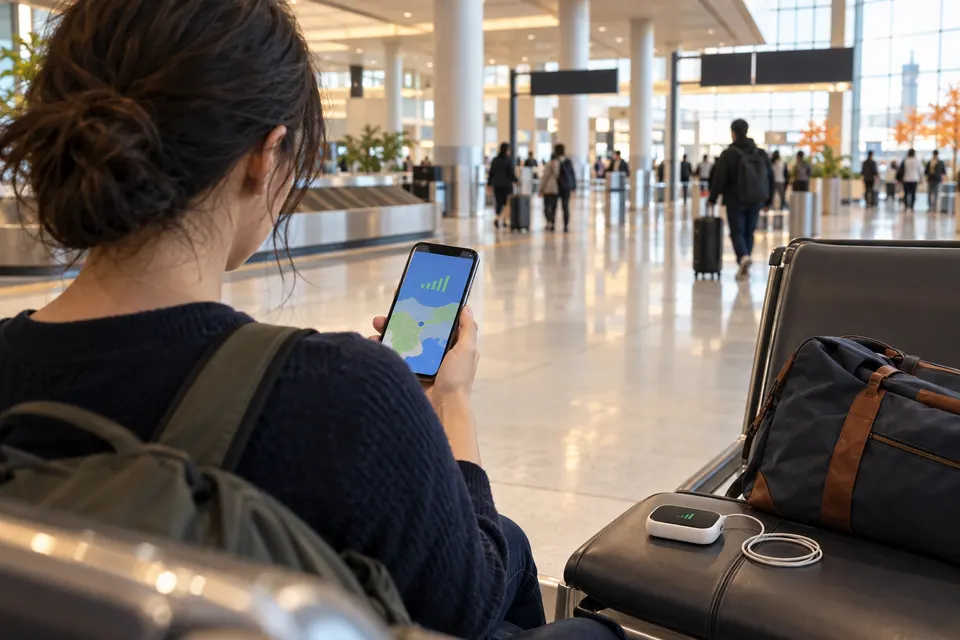
The quick answer
Check your existing roaming offer first. If its Japan allowance and total cost suit your trip, keeping your usual line can be the least work. If not, a compatible travel eSIM is a practical individual data option; a physical SIM is useful for a phone with a suitable slot; and pocket Wi-Fi can connect several devices that stay near one router. None is automatically cheapest or fastest. The right choice depends on your device, how the group moves, calling needs and the actual plan.
Before buying anything, save your first hotel address, booking confirmation and a route from the airport where you can reach them offline. A failed connection is inconvenient; it does not have to stop your first journey.
Compare the four ways to connect
| Method | Usually suits | Phone check | Sharing and calls | Extra task |
|---|---|---|---|---|
| Home-carrier roaming | A short trip or a suitable existing Japan allowance | Confirm Japan is covered and the exact roaming settings | Your normal number may continue, subject to your carrier's voice, SMS and data terms | Check pass activation and total charges |
| Travel eSIM | One person with a compatible, unlocked phone | Check model, region, carrier lock, eSIM and provider network | Tethering and voice/SMS depend on the plan; many travel offers are data-only | Install and select the correct data line |
| Physical travel SIM | An unlocked phone with a usable SIM slot | Check SIM format, bands/network and any APN instructions | Voice/SMS and tethering depend on the plan | Obtain the card and store your home SIM safely |
| Pocket Wi-Fi | Several Wi-Fi devices moving together | Each device needs Wi-Fi; a cellular SIM change is not normally required | Shares data nearby, but does not itself give a cellular phone number | Collect, charge, carry and return the router |
Home-carrier roaming
- Best fit
- A short trip or a suitable existing Japan allowance
- Compatibility
- Confirm Japan is covered and the exact roaming settings
- Calls & sharing
- Your normal number may continue, subject to your carrier's voice, SMS and data terms
- Next check
- Check pass activation and total charges
Travel eSIM
- Best fit
- One person with a compatible, unlocked phone
- Compatibility
- Check model, region, carrier lock, eSIM and provider network
- Calls & sharing
- Tethering and voice/SMS depend on the plan; many travel offers are data-only
- Next check
- Install and select the correct data line
Physical travel SIM
- Best fit
- An unlocked phone with a usable SIM slot
- Compatibility
- Check SIM format, bands/network and any APN instructions
- Calls & sharing
- Voice/SMS and tethering depend on the plan
- Next check
- Obtain the card and store your home SIM safely
Pocket Wi-Fi
- Best fit
- Several Wi-Fi devices moving together
- Compatibility
- Each device needs Wi-Fi; a cellular SIM change is not normally required
- Calls & sharing
- Shares data nearby, but does not itself give a cellular phone number
- Next check
- Collect, charge, carry and return the router
The table compares methods, not brands. A plan's network, data policy and support matter more than the packaging. Check coverage for your actual route, especially outside major cities; a coverage map cannot promise reception inside every building, tunnel or mountain area.
Travel eSIM: data without swapping a card
An eSIM is a digital mobile plan installed on a supported phone. It can be convenient to arrange before departure, and each traveler can keep an independent connection. It is not enough that a phone shows an “Add eSIM” menu: the exact model and region must support eSIM, the device must be usable with the provider's network, and a separate carrier lock may still block another carrier's plan.
Read the offer for the network, data allowance, validity trigger, tethering, support and refund conditions. Some services let you install before travel but start the paid period later; others use a different rule. Follow the offer you bought, not a universal “activate at the airport” tip. Keep the installation instructions and order details reachable through another device or an offline copy.
Physical SIM: useful when the phone has a slot
A physical travel SIM can suit an unlocked phone without usable eSIM support. Check the slot and SIM size before paying. Some newer or region-specific phones have no physical SIM tray; others do. Ask the provider about supported devices, network bands and whether an APN setting is required. A card sold at an airport is not proof that it works with every visitor's phone.
If you remove your home SIM, keep it in a safe, labeled place. If you need a text sent to your home number, plan how that line will remain reachable. Buying after arrival can work, but check the actual counter, hours and stock for your airport and flight time before relying on it.
Pocket Wi-Fi: one connection for nearby devices
A rental router makes a small Wi-Fi network for phones, tablets or laptops near it. It can be helpful for a family carrying several devices or a phone that cannot accept a travel SIM. It does not create a cellular voice number on those devices. Confirm the provider's device limit, data policy and whether the router's network covers your destinations.
Someone must collect, charge and carry the router. If two travelers separate at a station, the one without it loses that connection. The full rental cost can include delivery, pickup, return, late-return and loss or damage terms. Check the counter's opening hours against your real arrival and departure, including delays.
Roaming: check what you already have
Your home carrier may include Japan in an international allowance or sell a travel pass. For a short trip, that may be simpler than installing another plan. But “included” can have limits: ask about data quantity, speed after any cap, pass start/end times, hotspot use, voice calls, SMS, and charges when the allowance ends. An everyday domestic plan is not automatically a Japan roaming plan.
If you use a travel eSIM alongside your home line, select which line supplies mobile data and review whether the home line's data roaming is enabled. Keeping the home line active for calls or verification texts can still incur charges under its terms. Follow your carrier and device instructions rather than turning every roaming switch on or off blindly.
Where free Wi-Fi helps—and where it does not
Airport terminals, accommodation and some stations, cafes or visitor facilities can offer Wi-Fi. It is useful for retrieving setup instructions, contacting your provider or downloading an offline map. Availability, sign-in steps and signal quality vary by place. Do not build an arrival plan that assumes continuous public Wi-Fi between the airport and your room.
Use the network named by the venue rather than a look-alike name, and prefer ordinary encrypted websites and apps for personal information. This is a practical precaution, not a claim that every public hotspot is unsafe. If you expect to be offline between hotspots, save the next address and transport instructions first.
Will your exact phone work?
Check four things separately: the phone's model and sales region, carrier-lock status, eSIM or physical SIM hardware, and the provider's supported network. A model name shared by several regions can hide differences in SIM tray or network support. Your phone manufacturer and intended provider are the best places to confirm the combination. Android instructions and menus especially vary by manufacturer and software version.
Dual SIM can let a supported phone retain a home line and use a travel line for data, but the number and types of active SIMs depend on model and operator. It is not a promise that every phone can run two eSIMs at once. Apple's travel eSIM guidance and Google's Pixel dual-SIM guidance show the device-specific approach; use your own manufacturer's instructions for other devices.
Is the phone carrier-unlocked?
A carrier-locked phone may reject another provider's eSIM or physical SIM. On supported iPhones, Apple says to look in Settings → General → About → Carrier Lock; “No SIM Restrictions” indicates an unlocked device. For a Pixel, Google says unlock status depends on where the phone was purchased and that a locked device may work only with the seller's carrier until it is unlocked. Other Android phones have different checks. If unsure, ask the carrier that sold your phone before paying for a travel SIM.
If the answer is “still locked,” compare your home carrier's Japan roaming and a rental router rather than assuming an eSIM download will solve it. Unlocking eligibility and timing are determined by that carrier.
iPhone setup: choose the data line deliberately
Check Apple's current instructions for your model and software version. Before departure, verify unlock status and whether your iPhone supports the travel eSIM or physical SIM you intend to use. Install only when the provider says to and when you have a reliable connection; ask what starts the plan's validity. Keep the home line if you still need calls or texts and your device supports that combination.
Once in Japan, select the intended line for Cellular Data and check the plan's own data-roaming instructions. Then open a webpage that is not cached. If the travel line works, review the home line's roaming settings and possible charges separately. Do not delete an eSIM as an early troubleshooting step; replacement or transfer may need provider support.
Android setup: follow the model, then the plan
Android is a family of devices, so there is no single reliable menu path for every phone. Google's Pixel dual-SIM instructions are useful for Pixels, but a Samsung or another brand can use different wording. Confirm unlock status, eSIM support or physical slot, and the provider's compatibility list before purchase.
Install or insert the plan as instructed, choose it for mobile data, then apply the provider's APN or data-roaming setting only if that plan requires it. Test a fresh webpage. If calling or text messages still need your home line, confirm which line handles them and the carrier's charges. When a step differs from this summary, follow your device manufacturer and provider.
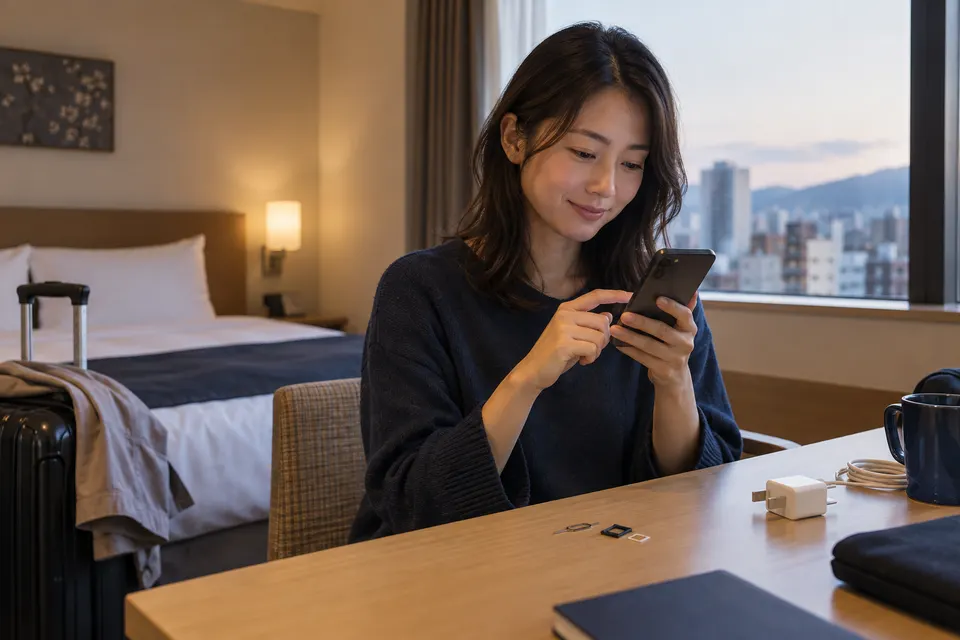
- ConfirmUnlock status, eSIM or SIM support, and the exact provider’s network requirements.
- PrepareSave setup instructions offline and confirm when paid validity starts.
- TestIn Japan, select the intended data line, apply only required settings and open a webpage.
How much data do you need?
Your own phone's recent usage is a better starting point than a generic “GB per day” rule. Maps, short messages and web pages may be relatively light; photo backup, streaming, video calls and tethering can use much more. Background app updates count too. Trip length and how often you have reliable accommodation Wi-Fi change the answer.
The calculator below multiplies your assumption by your travel days. It is not a measured Japan average and does not recommend a plan. Add a margin if you may upload photos or change route often. Check whether the offer reduces speed, stops data or charges more after its allowance.
What-if data calculator
Enter your own measured or assumed daily use. These inputs are examples, not typical-use claims.
Decimal units: 1,000 MB = 1 GB. Add room for unexpected use; confirm how the plan measures data.Solo travel, families and groups that split up
For a solo traveler with a compatible unlocked phone, an individual eSIM or SIM avoids a separate device. For a family staying together, one router can connect several Wi-Fi devices. The person carrying it becomes the group's connection point, so decide who charges it and what happens if someone goes ahead to a hotel or leaves for a different attraction.
For a group that regularly separates, individual connections can be more resilient even if a shared router looks cheaper at first. A mixed plan is possible: for example, a router for laptops plus a modest independent phone connection. Compare the total cost and independence of each option, not a single advertised daily figure.

Do you need a Japanese phone number or SMS?
Mobile internet and a cellular phone number are different products. Many travel eSIMs and SIMs are data-only, but some providers sell voice or SMS plans; check the exact listing. A pocket Wi-Fi router supplies Wi-Fi, not a Japanese cellular number. Your home number may remain active on a compatible dual-SIM phone, subject to its carrier's roaming terms.
WhatsApp, LINE, FaceTime and similar apps can message or call over data if both sides use compatible services. They do not replace an ordinary cellular number for every booking, verification code or emergency call. If a service requires an SMS to your home number, arrange access to that line before you leave. If a reservation asks for a Japanese phone number, check what it actually accepts rather than inventing one.
Can you share the phone's connection?
Tethering, often called hotspot, lets a phone share its mobile data with another device. A travel plan may permit it, limit it separately, or have a fair-use policy that changes the experience. Check the plan and your phone's settings. A shared phone also uses its battery more quickly and needs to remain nearby, much like a router.
One eSIM generally lives on one installed device; a hotspot can let other devices use that device's data when permitted. That is different from installing the same eSIM on two phones. Ask the provider about transfer or replacement rather than assuming a QR code can be reused.
Arrange it before flying or after landing?
Pre-departure setup gives you time to read the rules and save instructions. It can be useful for a travel eSIM, but check the exact validity trigger before installation. Physical SIMs and routers can sometimes be reserved for pickup or delivered, while some options may be bought after arrival. There is no guarantee a particular airport counter will be open when your delayed flight lands.
Make a two-part plan: your preferred connection and a first-hour fallback. Save the order, QR or activation instructions securely; also keep the hotel name, address and route offline. If your phone needs Wi-Fi to install an eSIM, know where you expect to find it and what you will do if it is unavailable.
Read “unlimited” and compare the whole cost
“Unlimited” is a label, not a universal speed promise. Read the fair-use policy, any speed reduction, tethering limits and what counts as a day. For roaming, check pass fees and charges for voice, SMS or use outside the allowance. For a SIM or eSIM, check plan duration, top-up rules and support. For a router, include pickup, return, delivery, late fees and loss/damage conditions.
We do not publish a live price ranking here. Plans change too quickly, and the lowest displayed number may not cover your dates or needs. A simple comparison is: total payable for the trip + setup effort + backup if it fails. Choose the method first; then compare current offers from their official sites.
Provider examples, not recommendations
Travelers may encounter Ubigi or Airalo while comparing eSIMs, and Sakura Mobile while comparing SIM, eSIM and router formats. These are examples only; listing order is not a quality ranking, a test result or an endorsement. These are currently direct, non-affiliate links.
Before paying any provider, check its official Japan plan page for your exact dates, supported phone, network/coverage, data and speed terms, hotspot permission, voice/SMS status, activation trigger, refund and support. A provider's general FAQ cannot replace the contract for the plan in your cart.
If the internet stops working
First confirm whether the problem is mobile data, Wi-Fi, the plan itself or one app. Check airplane mode, the selected data line, signal and whether the plan's validity or allowance has ended. If the provider requires an APN or data-roaming setting, compare it with the official setup instructions. Restarting the phone or router may help, but avoid factory resets and eSIM deletion until support tells you the recovery path.
If a router is lost or out of charge, everyone using it may be offline. Use a known Wi-Fi network where available, contact the provider, and switch to the group's independent fallback. If your phone is lost, use your device maker and carrier's recovery tools from a trusted device; ask the travel provider how a SIM or eSIM can be replaced. Keep reservation and support details outside the lost phone.
If you arrive with no connection
Landing with no signal is frustrating, not an emergency by itself. Open the offline address and route you saved. If airport Wi-Fi is available, use it to reach your provider instructions or message your hotel. An information desk can help you locate a pickup counter or transport option. If a counter is closed, use your offline route to reach accommodation before solving the whole internet problem.
For the arrival sequence, see what happens after landing in Japan. For urgent help, use Japan's emergency numbers and ask someone nearby to call if your phone cannot. An app-based call is not a guaranteed replacement for a cellular emergency call.
- PauseYour hotel address and route should be available offline.
- ReconnectUse known airport or accommodation Wi-Fi where available to read your provider instructions.
- AskIf setup still fails, ask an information desk or your provider; keep an offline transport fallback.
Useful Japanese
These short phrases may help at a counter or hotel. The spelling is a reading aid, not a formal transliteration.
- Wi-Fiは使えますか?
- Waifai wa tsukaemasu ka?
Can I use Wi-Fi? - Wi-Fiのパスワードを教えてください。
- Waifai no pasuwaado o oshiete kudasai.
Could you tell me the Wi-Fi password? - SIMカードはありますか?
- Shimu kaado wa arimasu ka?
Do you have SIM cards? - インターネットにつながりません。
- Intaanetto ni tsunagarimasen.
I can't connect to the internet.
Common questions
Do I need an eSIM in Japan?
Is pocket Wi-Fi still worth considering?
Can I use my current phone?
Will WhatsApp or LINE work?
Do I need a Japanese phone number?
Can one eSIM be installed on two phones?
Can I use hotspot on a travel eSIM?
Can I buy a SIM after arrival?
Should I install an eSIM before the flight?
Should I remove my normal SIM?
How much data should I buy?
Is airport Wi-Fi enough for the whole trip?
Sources & checks
Sources checked 28 Sept 2026. For changing details, confirm with the responsible organization.
- Apple Support · Use eSIM while travelingiPhone carrier-lock check, eSIM requirements, data-line selection and possible home-line roaming charges · Model and region differ; follow current device instructions.
- Google Pixel Help · SIM unlockPixel carrier-lock status depends on seller; a locked phone may need carrier action · Pixel-specific; other Android models require manufacturer guidance.
- Google Pixel Help · Dual SIMDual-SIM capabilities and line preferences vary by Pixel model and operator · Do not generalize Pixel menus to all Android phones.
- JNTO · Visitor connectivity FAQSIM, eSIM and pocket Wi-Fi as visitor options; online arrangement and airport purchase or pickup · Actual airport and vendor availability varies. No historical price or coverage promise reused.
- Sakura Mobile · Travel format comparisonFirst-party example of physical SIM, eSIM and rental router requirements · Example only, not an endorsement; recheck exact offer before purchase.
- Ubigi · Japan tourist eSIM informationFirst-party example of an eSIM service for visitors · Example only; no affiliate relationship or provider ranking.
- Airalo · Japan eSIMFirst-party example of an eSIM offer for Japan · Example only; check exact current offer. Direct URL contains no referral parameters.
Plans, supported devices, networks, activation rules and prices can change. Recheck the exact offer and your phone model before paying.